GuardWatch Resident
Android · Version 1.2
Create QR visitor passes for your guests and show your own QR at the gate. About the app
- For:
- Residents and households
- Size:
- 9.0 MB
- SHA-256:
- f17abd0d33f09a85f70d0b0c1eede14ea584268f390c3fd4c72c7839110eeb24
Product · Download & onboarding
Choose the right Android build, follow a short install path, and understand permissions before you open the gate workflow. Prefer a guided rollout? Book a live demo instead of guessing alone.
Pick the experience that matches your role. Android apps are available now; iOS is currently in development.
Android · Version 1.2
Create QR visitor passes for your guests and show your own QR at the gate. About the app
Android · Version 1.2
Scan visitor passes at the gate and record your shift Time IN and Time OUT. About the app
Android · Version 1.1
Manage your society's users, guards and units and see gate activity from your phone. About the app
Android · Version 1.1
Show your entry QR at the gate during your permitted daily hours. About the app
Browser · Available now
Community admins manage units, roles, lobby or gate activity, and reports from the web dashboard.
Book a portal walkthroughCurrently in development
The iPhone and iPad experience is in active development. Run your pilot on Android today, or book a demo to discuss iOS timing for your community.
Android APK installs may require allowing your browser once. Prefer guided setup? Contact us.
Residents create and share time-bound QR passes for guests and help.
Guards scan passes and confirm host unit before entry.
Scans feed the same digital log managers review on the web dashboard.
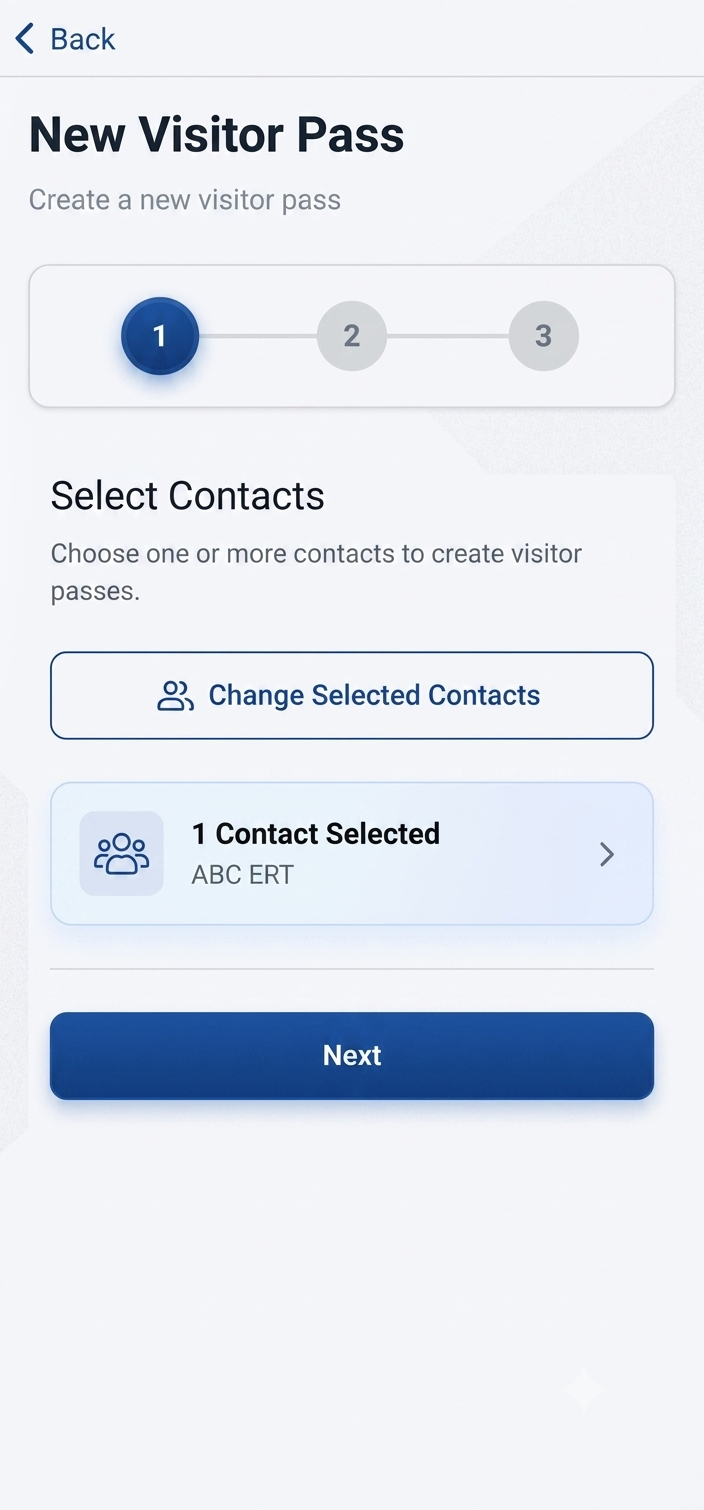
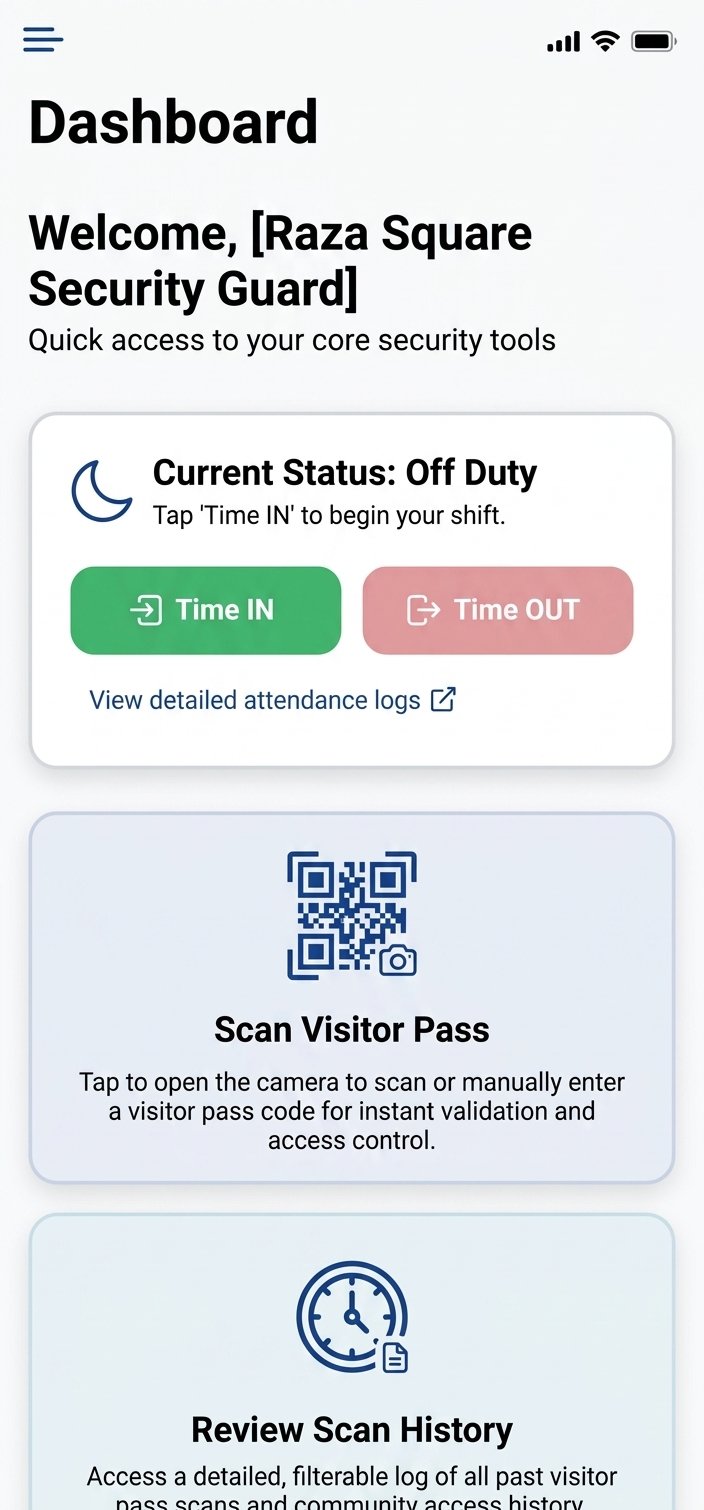
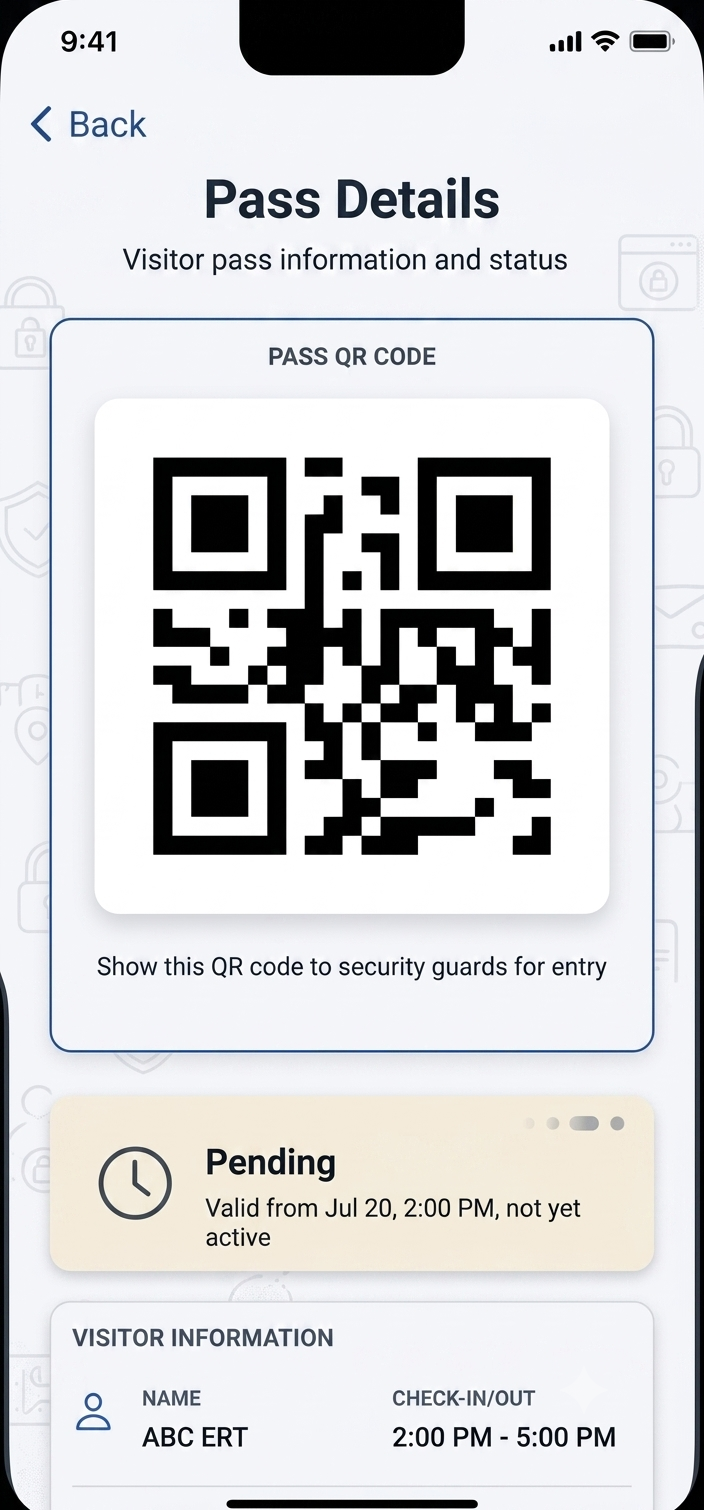
A short path from download to first login.
Step 1
Resident for households, Guard for gate staff, Admin for community admins, Helper for domestic staff.
Step 2
If Android blocks the file, enable installs for your browser or file manager once.
Step 3
Use credentials from your community admin after your site is provisioned.
Step 4
Create or scan one visitor pass so the first real guest is not the first test.
APKs are distributed from GuardWatch for pilot and production communities. Prefer a signed rollout managed by your admin during onboarding. For how we talk about privacy and access without fabricating certifications, see the Trust Center.
Read security & privacy overviewAllow installs from your browser, then reopen the APK. Avoid third-party “APK mirror” sites.
Confirm your community is live and your admin created your user. Wrong community credentials will fail by design.
Grant camera permission in Android settings for the Guard app, then retry a scan.
Each role has its own app: Resident, Guard, Admin or Helper. Install the one for your role.
Still stuck? Contact support · WhatsApp
Residents and households install GuardWatch Resident. Security guards at the gate install GuardWatch Guard. Community admins install GuardWatch Admin, and domestic staff and regular helpers install GuardWatch Helper.
On many Android devices you must allow installs from your browser or file manager once. Open Settings → security / install unknown apps → enable for that source, then open the APK again. Your community admin can share a short install guide during onboarding.
iOS is currently in development. Android is available for pilots today — book a demo to discuss iOS timing for your community.
You can download the APK anytime. Signing in requires credentials from your community admin after your society or building is set up on GuardWatch.
Camera access is required to scan visitor QR codes. Location may be used for attendance or site rules your admin enables. We explain each permission during setup — nothing is requested without a product reason.
Start with your community admin (they issue roles and unit access). For platform issues during a pilot, use Contact or WhatsApp Sales for hands-on help.
Choose the support path that fits — guided demo, chat, or email.
Live walkthrough of resident, guard, and admin setup for your community.
Schedule a demoMessage WhatsApp Sales for install questions during your pilot.
Open WhatsAppSend install or login issues to the pilots team for follow-up.
pilots@guardwatch.pro