Before: Unit and household records scattered across spreadsheets
After: Units live in one dashboard, so every pass and log ties to a real household.
Solutions · Admin Dashboard
Units, team roles, live gate visibility, and searchable logs — the admin dashboard is where community managers and HOA admins run oversight instead of chasing updates across a register, a phone, and a spreadsheet.
Related: Visitor management · Analytics & reporting · Housing societies
The problem
When units live in one spreadsheet, visitor notes in a book, and guard updates on WhatsApp, managers never have one trustworthy picture.
Registers, chats, and shared logins make “who is responsible?” a daily argument.
Waiting for end-of-day summaries leaves incidents invisible until someone complains.
One shared password means either everyone sees everything — or nobody can act.
Built for
Whoever owns oversight for your community needs one screen, not five different sources.
Run day-to-day operations across units, guards, and visitor activity without switching tools.
Get a clear, reviewable picture of gate activity when the board asks questions.
Oversee multiple gates or blocks from one dashboard instead of one per entrance.
How it works
Four steps take you from an empty dashboard to a system your whole team can rely on.
Step 1
Add your blocks, towers, or units so every visitor pass and log ties back to a real address.
Step 2
Give admins, guard supervisors, and front-desk staff access scoped to what their job needs.
Step 3
Visitor passes and guard scans appear on the dashboard as they happen at the gate.
Step 4
Search past activity by unit, date, or guard whenever a question comes up.
The difference
Before: Unit and household records scattered across spreadsheets
After: Units live in one dashboard, so every pass and log ties to a real household.
Before: One shared login for everyone on the team
After: Roles scope access, so admins, supervisors, and front-desk staff see what their job needs.
Before: No visibility into the gate until someone calls to report a problem
After: Visitor and guard activity appears on the dashboard as it happens at the gate.
Before: Digging through paper or old messages for a past visit
After: Logs are searchable by unit, date, or guard whenever oversight is needed.
Inside the dashboard
The dashboard brings together your community's units, your team's roles and permissions, and live visitor and guard activity — so admins are not piecing the picture together from separate tools.
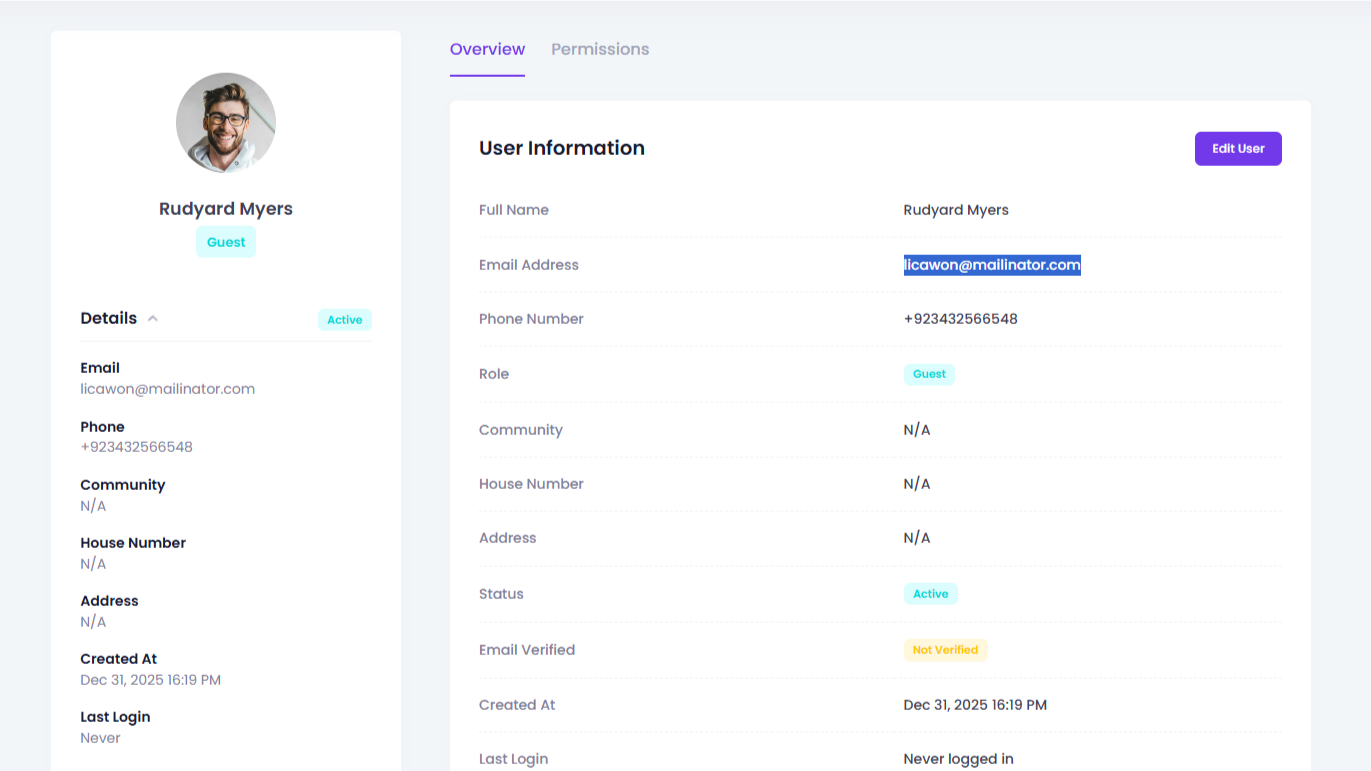
Visitor and guard activity is kept as a searchable log, so admins can pull up a specific unit, date, or shift instead of scrolling through everything to find one entry.
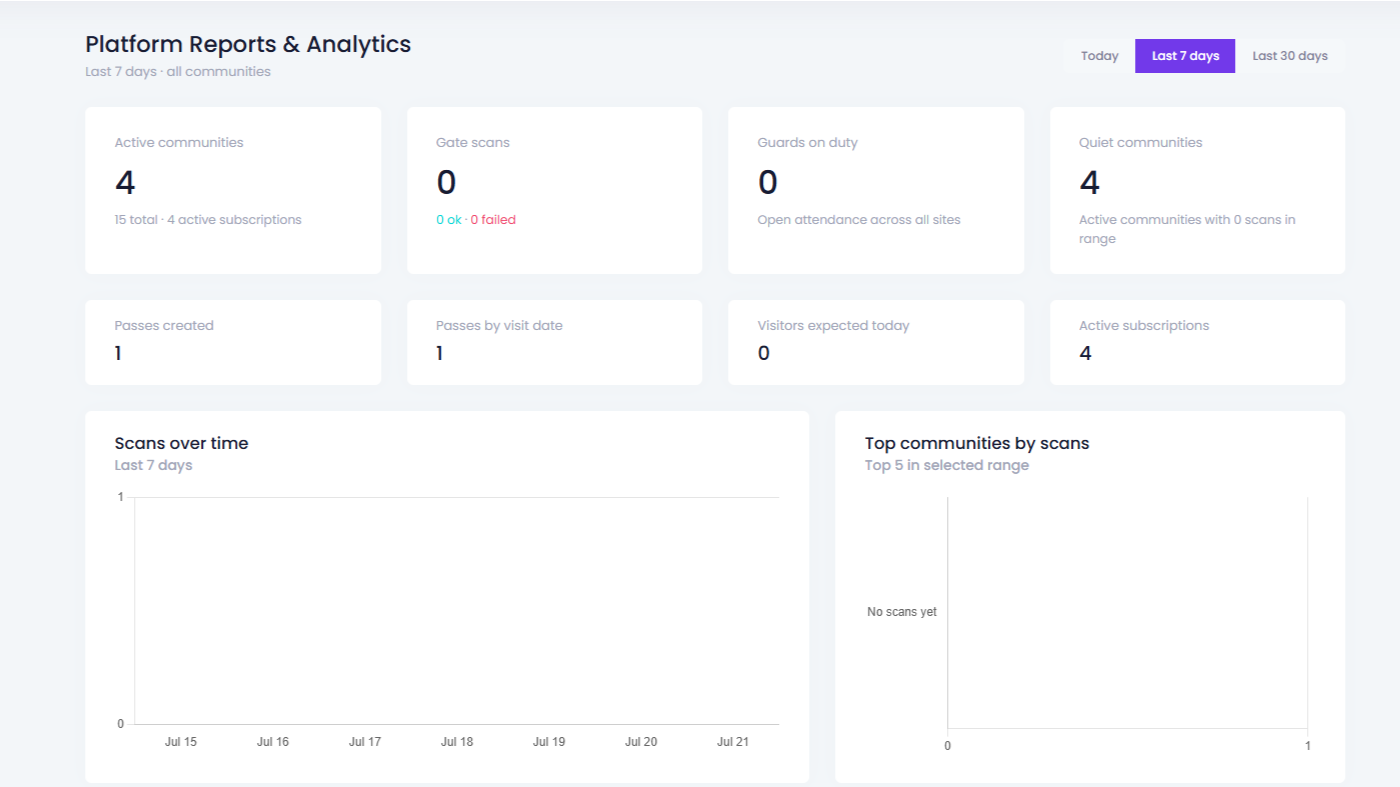
Product walkthrough
See units, roles, and gate activity on the same screen your managers will use after go-live.
Step 1
Map towers, plots, or offices so every pass has a host.
Step 2
Give admins, supervisors, and desk staff the right access — not one shared login.
Step 3
Resident passes and guard scans feed the same dashboard.
Step 4
Confirm managers can answer board questions without calling the barrier.
Questions community managers and HOA admins ask before rolling this out.
Admins can see live gate activity, manage units and household records, set up team roles, and review visitor and guard history — all from one dashboard instead of separate registers, spreadsheets, and phone calls to the gate.
Yes. You can assign roles such as community admin, guard supervisor, or front-desk staff, so each person sees the sections relevant to their job instead of one shared login with access to everything.
Yes. As residents create visitor passes and guards scan them at the gate, that activity appears on the dashboard, so managers do not have to wait for an end-of-day report to know what happened.
Yes. Communities with multiple gates or towers can manage all of their units, guards, and visitor activity from the same admin dashboard rather than running a separate system per entrance.
The dashboard keeps a searchable log of visitor passes and gate scans, so admins can look back at a specific unit, date, or guard shift instead of digging through a paper register.
The admin dashboard is where you run day-to-day oversight — units, roles, and live gate activity. For deeper trend reports and exports across a longer time period, see the dedicated analytics and reporting page.