Solutions · QR Visitor Pass
Approve Visitors Securely — Without Paper Registers
Residents issue a time-bound QR pass. Guests arrive with it on their phone. Guards verify in seconds. Your board gets a digital trail instead of a clipboard that goes missing after every shift change.
Related: Visitor management · Access control · Resident app
The problem
Paper Registers Create Speed Problems and Security Gaps
When every guest writes a name in a book, peak-hour queues grow — and nobody can prove who approved the visit when something goes wrong.
-
Queues at the gate
Handwriting names slows expected guests and frustrates residents waiting behind them.
-
Unclear ownership
A scribbled entry does not show which unit invited the guest or when approval expires.
-
No trustworthy trail
Boards cannot answer “who entered last Tuesday?” without hunting a register that may be incomplete.
Old Gate Workflow vs QR Pass Workflow
Same human judgment at the barrier — different evidence of who belongs there.
| Step | Paper register | GuardWatch QR |
|---|---|---|
| Invitation | Phone call to the gate or verbal “send them up” | Resident creates a pass for their unit |
| Guest proof | Name written in a book | Time-bound QR on the guest’s phone |
| Verification | Guard reads handwriting under pressure | Guard scans and sees host + window |
| After the visit | Register page may be incomplete or lost | Scan history stays searchable for managers |
Product journey
Create · Share · Scan · Log
One continuous path from household approval to digital gate record.
Resident creates the pass
The household sets visitor name, purpose, and visit window. Ownership is clear before anyone arrives at the barrier.
Guest receives the QR
The visitor opens the pass on their phone — no paper slip to lose, photocopy, or leave with a courier permanently.
Guard verifies at the gate
Security scans the code, confirms the host unit and window, then follows your site’s visual ID rules.
Managers keep a digital trail
Each scan becomes part of the community log — ready when a board, resident, or auditor asks what happened.
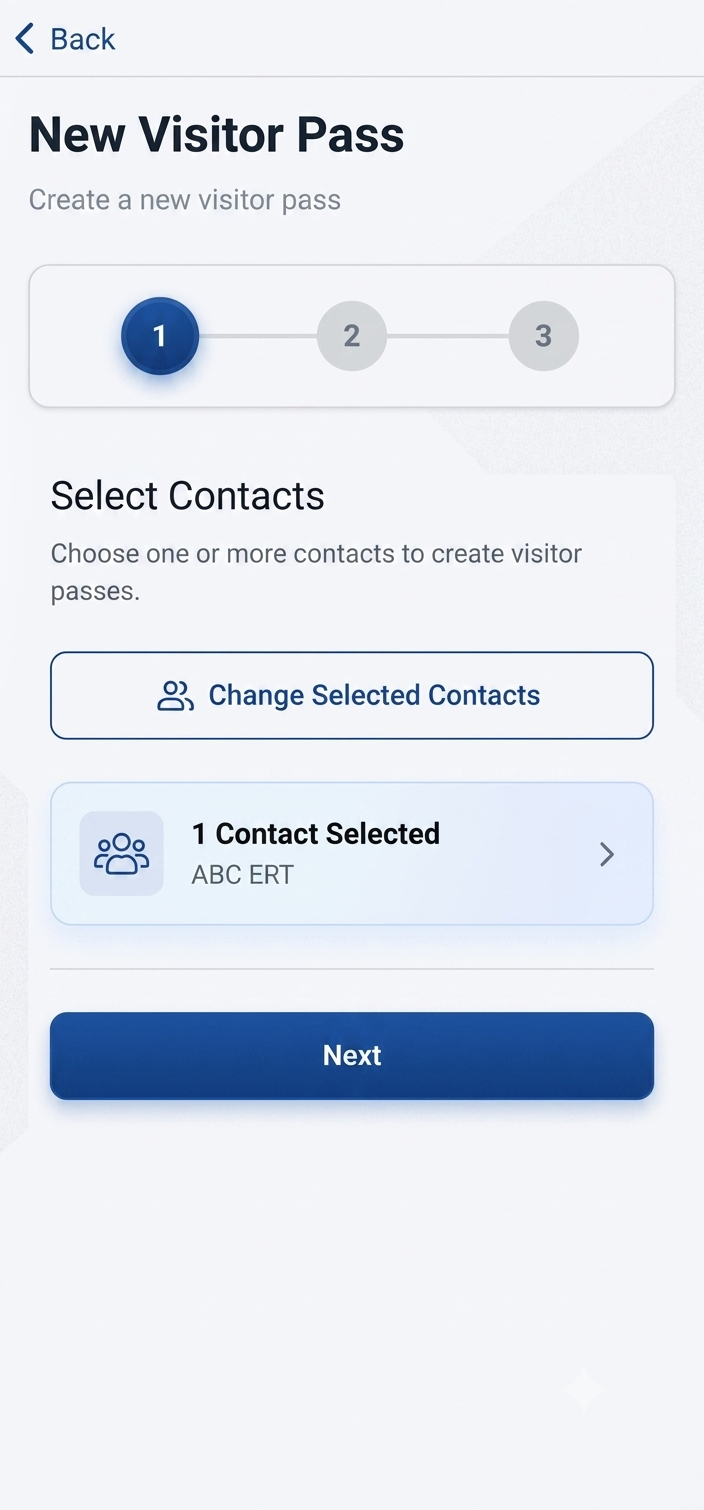
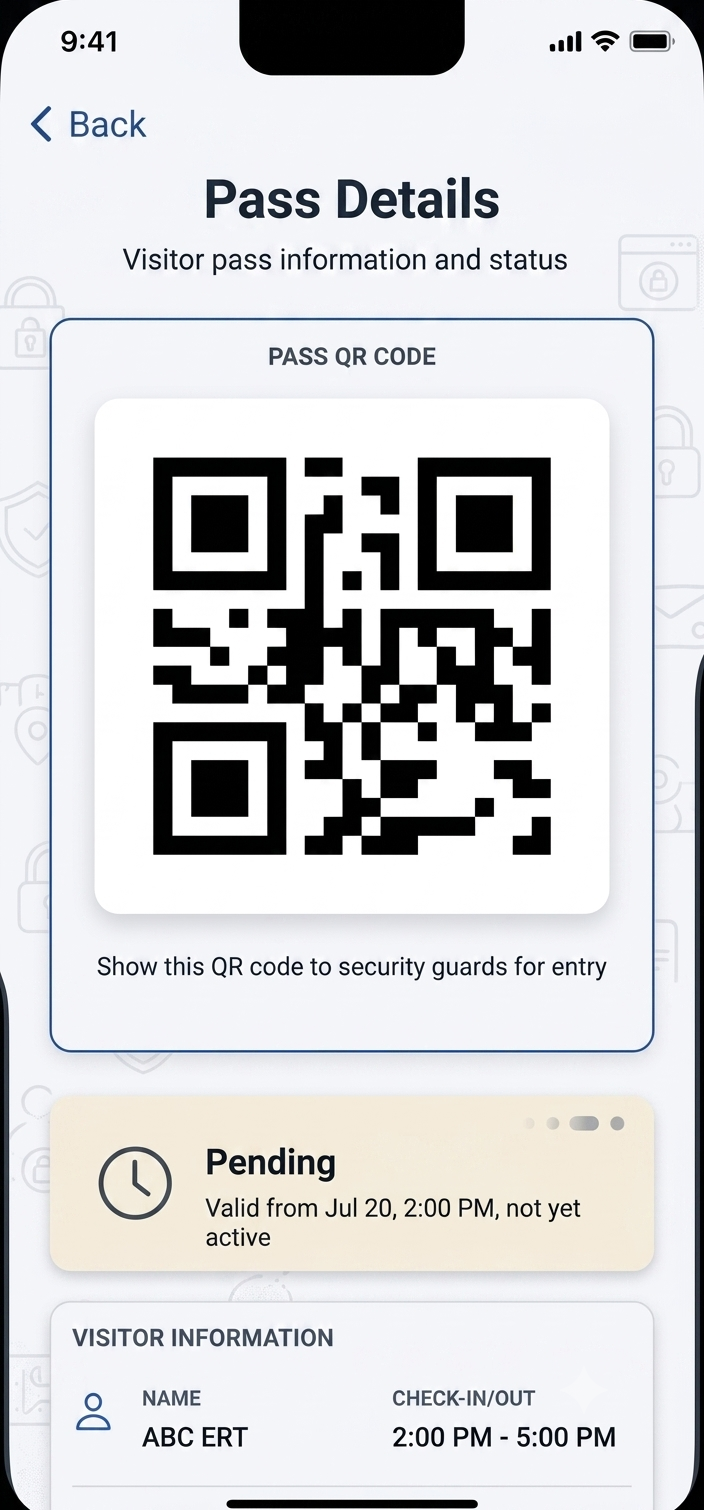
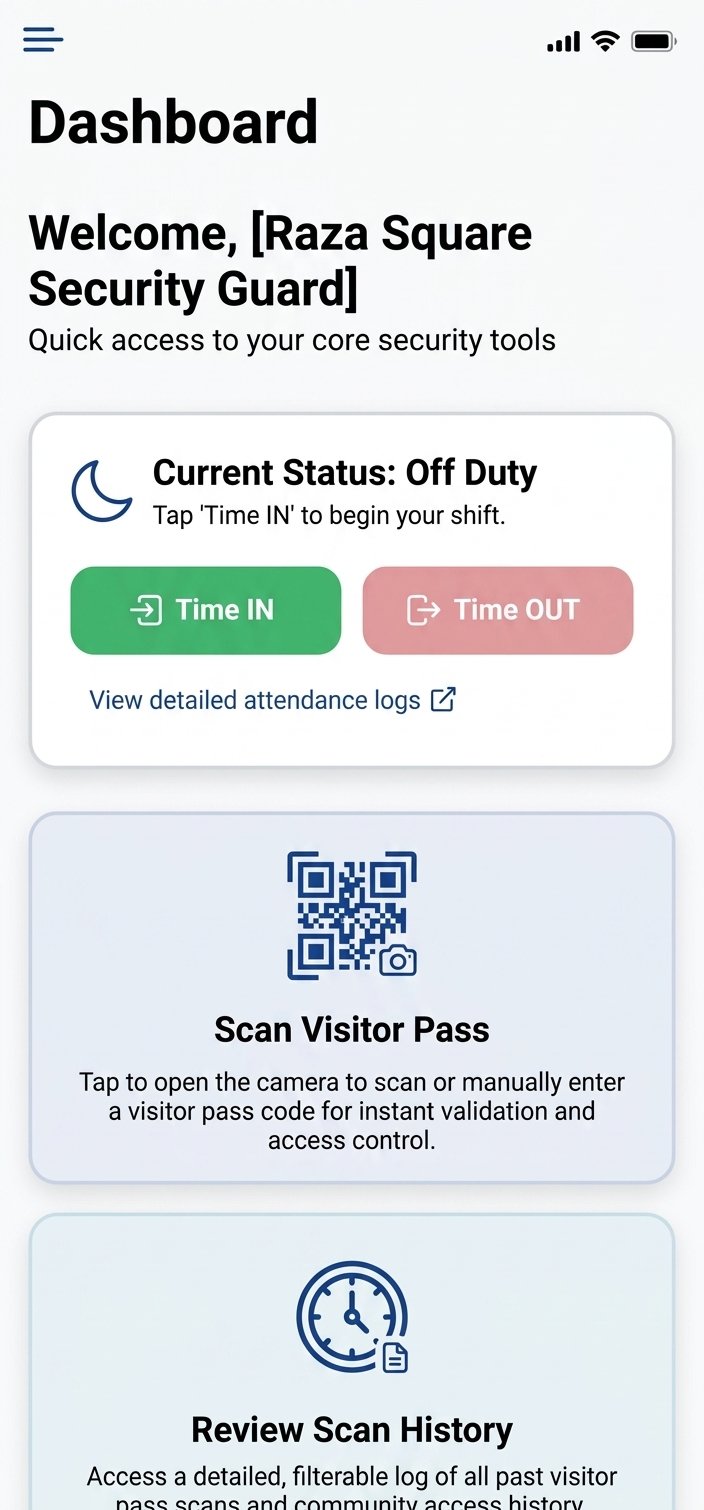
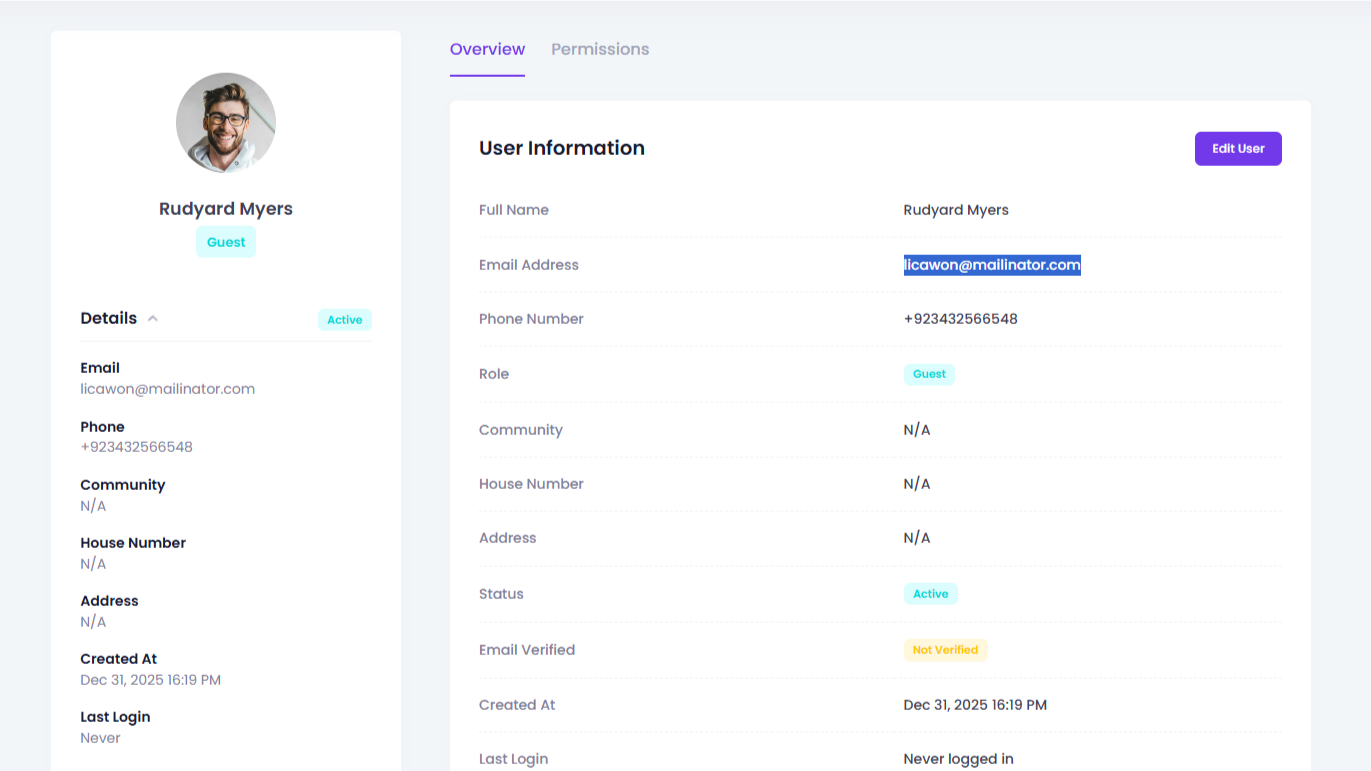
Product walkthrough
Watch how a QR pass moves from phone to gate
See create, share, and scan in the same mobile frame from the homepage — then book a live session tailored to your community’s workflow.
Business Outcomes, Not Feature Bullets
-
Know who was expected
Every legitimate visit starts with a resident-owned pass — not a guess at the barrier.
-
Move expected guests faster
Scanning a valid QR is faster than rewriting names while a queue builds.
-
Answer board questions
Digital scan history replaces “we’ll check the register” with a searchable record.
-
Reduce leftover access
Visit windows make “still valid?” a system answer, not a guard’s memory of yesterday’s guest.
How QR Passes Roll Out at a Community
Pilots usually start with one gate and a handful of households — then expand.
-
1
Step 1
Map your entrances
Decide which gates will scan first and who owns exception handling.
-
2
Step 2
Onboard residents
Show households how to create and share a pass for guests and help.
-
3
Step 3
Train guards on scan
Practice success and fail paths so peak hour stays calm.
-
4
Step 4
Review early logs
Managers confirm records match what the board will expect later.
QR Visitor Pass FAQs
Straight answers for managers evaluating contactless entry.
What information is encoded in a GuardWatch QR visitor pass?
Each pass is tied to the host unit, visitor details, and the visit window your resident set. Guards scan to confirm the visit is expected and currently valid — not to read a long paper slip at peak hour.
Can a guest reuse yesterday’s QR code?
Passes are time-bound. When the visit window ends, the code is no longer treated as a current approval at the gate, which reduces shared or leftover screenshots becoming a permanent entry key.
Do visitors need to install an app to show the QR?
No. Residents create the pass in the GuardWatch experience; guests typically open the shared QR on their phone. Guards use the scan app at the entrance.
What if the visitor’s phone has no signal at the gate?
A saved screenshot or offline-openable QR still works for verification when the pass is valid. Your site can also define an exception process for edge cases — the goal is fewer verbal “send them up” calls, not zero human judgment.
How is this different from a generic QR generator?
GuardWatch QR passes are part of the same community account as resident approvals, gate scans, and admin logs. A random QR image without host, window, and scan history does not give your board an audit trail.
Can domestic help or recurring vendors get recurring passes?
Yes. Residents can issue passes suited to one-time guests or regular visitors so frequent arrivals do not force a fresh phone call every morning.
Who sees that a pass was scanned?
Successful and failed scans create digital records managers can review later. Residents see activity tied to their household according to role permissions.
Does QR replace the guard’s identity check?
No. The scan confirms the visit is expected and which unit approved it. Guards still follow your site rules for visual checks — the QR replaces the paper book, not professional judgment.